> ## Documentation Index
> Fetch the complete documentation index at: https://docs.primev.xyz/llms.txt
> Use this file to discover all available pages before exploring further.
# Using the Bridge UI
> How to bridge ETH between L1 and mev-commit using the web interface
The mev-commit bridge UI provides an intuitive interface for transferring ETH between Ethereum and the mev-commit chain.
## Bridging to mev-commit
1. Visit [mev-commit.xyz/bridge](https://www.mev-commit.xyz/bridge)
2. Connect your wallet when prompted
3. Select Ethereum as the source chain and mev-commit as the destination chain
4. Enter the amount of ETH you want to transfer
5. Click "Bridge" and approve the transaction in your wallet
6. Wait for the bridging transaction to complete (approximately 15 minutes for L1 finality)
## Bridging from mev-commit
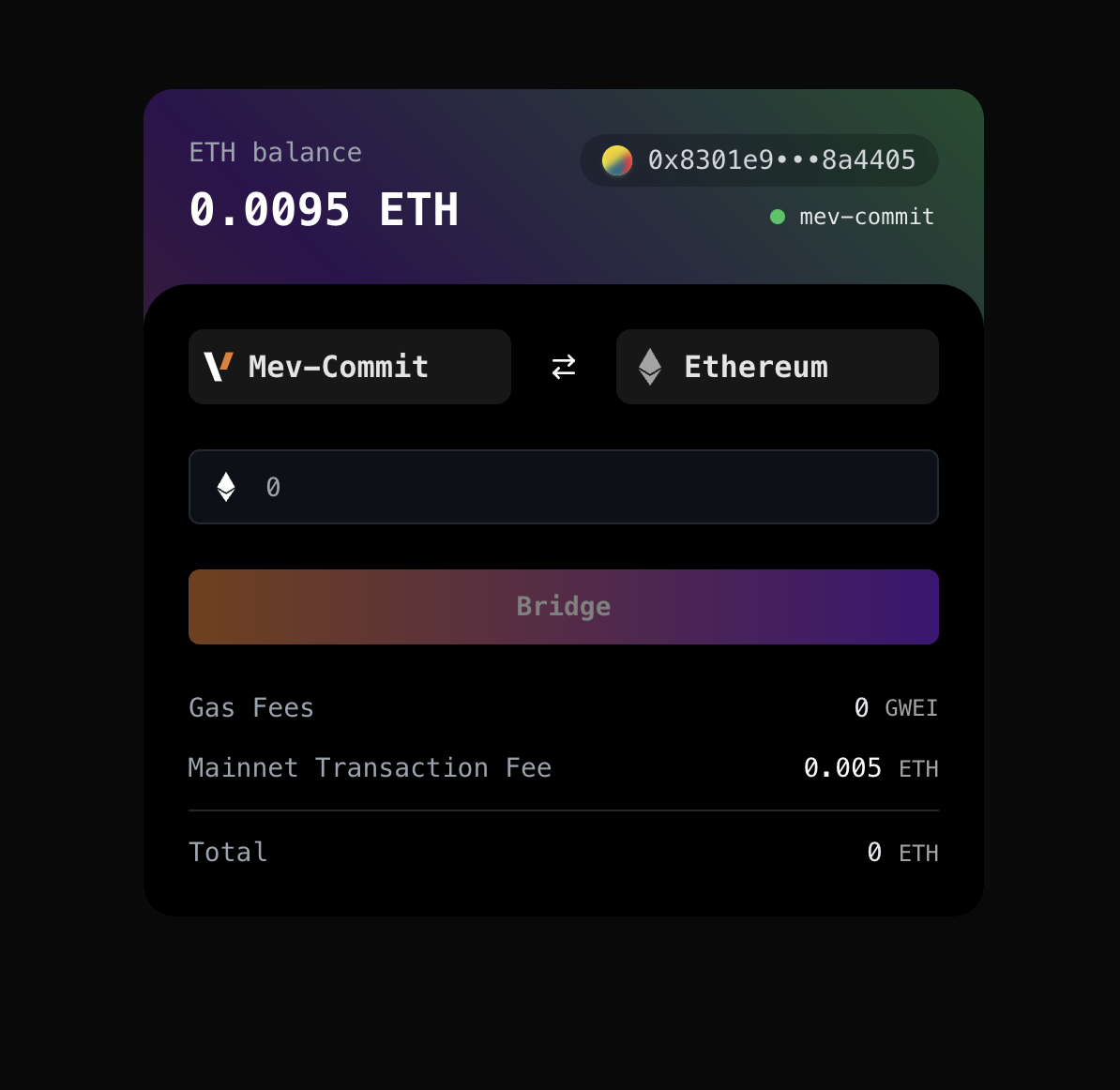 1. Visit [mev-commit.xyz/bridge](https://www.mev-commit.xyz/bridge)
2. Connect your wallet when prompted
3. Select mev-commit as the source chain and Ethereum as the destination chain
4. Enter the amount of ETH you want to transfer
5. Click "Bridge" and approve the transaction in your wallet
6. Transaction should complete within a few minutes
Note: A fixed fee of 0.005 ETH is charged when bridging from mev-commit to L1 to cover relayer costs.
For advanced users, programmatic access, or automation needs, the bridge CLI tool is also available - see [Bridge CLI](/v1.1.0/get-started/bridge-cli) for details.
1. Visit [mev-commit.xyz/bridge](https://www.mev-commit.xyz/bridge)
2. Connect your wallet when prompted
3. Select mev-commit as the source chain and Ethereum as the destination chain
4. Enter the amount of ETH you want to transfer
5. Click "Bridge" and approve the transaction in your wallet
6. Transaction should complete within a few minutes
Note: A fixed fee of 0.005 ETH is charged when bridging from mev-commit to L1 to cover relayer costs.
For advanced users, programmatic access, or automation needs, the bridge CLI tool is also available - see [Bridge CLI](/v1.1.0/get-started/bridge-cli) for details.